
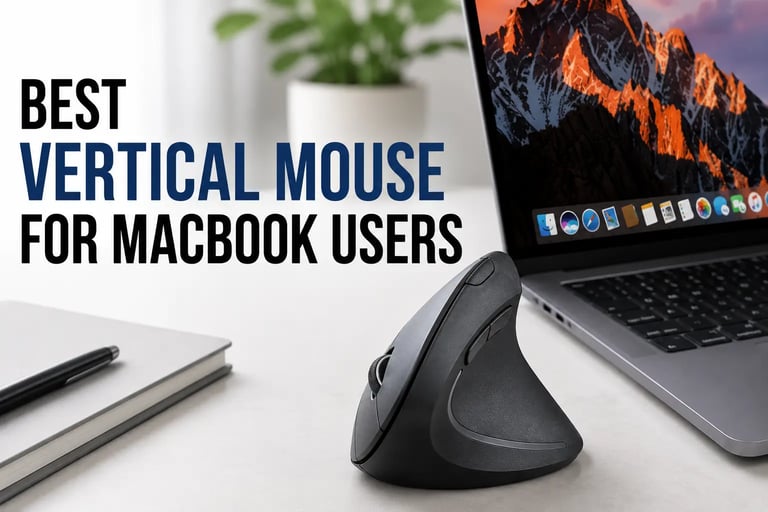
Best Vertical Mouse for MacBook Users
Discover the best vertical mouse for MacBook users. Compare ergonomic mouse for comfort, productivity, battery life, and macOS compatibility.
Discover the best vertical mouse for MacBook users. Compare ergonomic mouse for comfort, productivity, battery life, and macOS compatibility.
Many MacBook users also combine ergonomic vertical mouse with adjustable laptop stands and portable monitors to create more comfortable long-term work setups.

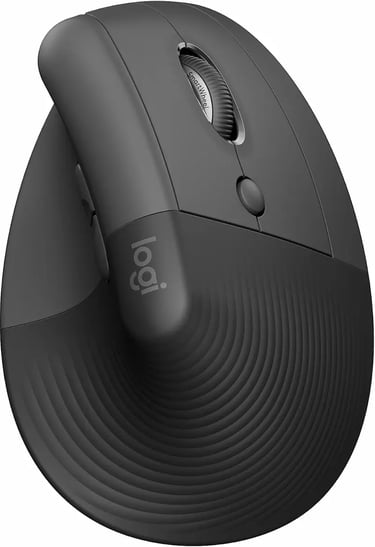
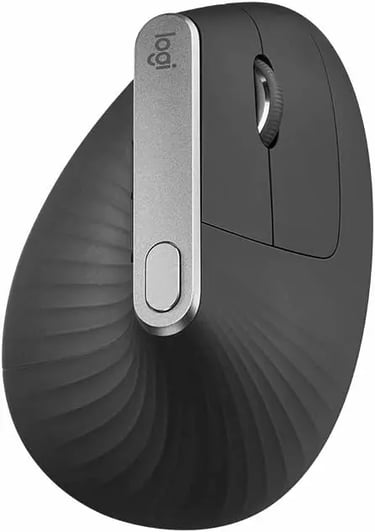
1. Logitech Lift Vertical Ergonomic Mouse
The Logitech Lift is one of the best ergonomic mouse currently available for MacBook users. It combines excellent comfort, quiet clicks, strong battery life, and reliable Bluetooth connectivity in a compact and premium design.
Its slightly angled vertical shape feels natural during long work sessions, especially for users who spend hours coding, editing, browsing, or working in office applications.
Key Features
Ergonomic vertical design
Quiet click buttons
Bluetooth and Logi Bolt support
Long battery life
Optimized for macOS
Lightweight and compact body
Pros
Extremely comfortable for daily use
Quiet and smooth clicking experience
Reliable wireless performance
Excellent for productivity work
Premium build quality
Cons
Slightly expensive
Better suited for small to medium hands
Limited gaming performance
Best For
Programmers
Office work
Productivity setups
Long MacBook sessions
Final Verdict
If you want the best balance between comfort, performance, and macOS compatibility, the Logitech Lift is easily one of the strongest options available right now.
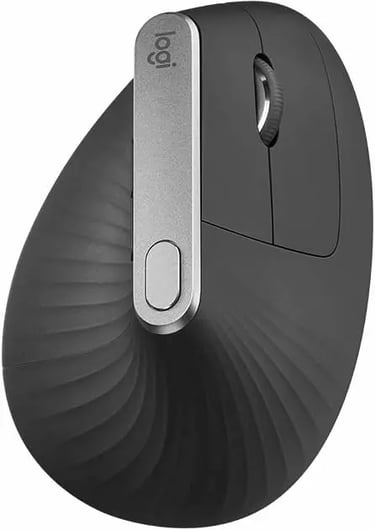
2. Logitech MX Vertical
The Logitech MX Vertical is designed for users who prioritize productivity and premium ergonomics. Its more aggressive vertical angle helps reduce wrist pressure while maintaining excellent precision and responsiveness.
The build quality feels premium, and the USB-C charging support makes it especially convenient for modern MacBook users.
Key Features
Advanced ergonomic angle
USB-C charging
High precision sensor
Multi-device support
Premium materials
Pros
Excellent wrist support
Premium productivity features
Strong battery performance
Very accurate tracking
Cons
Expensive
Larger than most ergonomic mouse
Less portable
Best For
Developers
Designers
Heavy productivity workflows
Professional office setups
Final Verdict
The MX Vertical is ideal for users who spend many hours working on their MacBook every day and want premium comfort with advanced productivity features.
3. Seenda Ergonomic Wireless Mouse
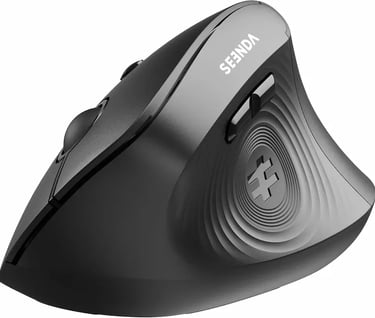
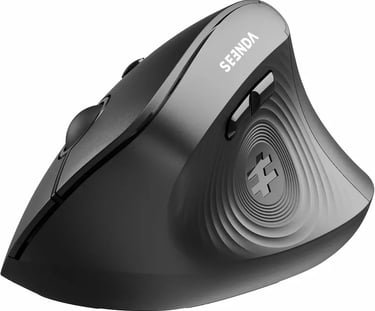
The Seenda Ergonomic Mouse focuses on quiet operation and comfortable daily use. It’s a solid option for office environments where silent clicks are important.
Its lightweight design also makes it comfortable for extended browsing and productivity sessions.
Key Features
Quiet click buttons
Rechargeable battery
Bluetooth connectivity
Lightweight ergonomic body
Pros
Silent operation
Comfortable grip
Affordable pricing
Easy wireless setup
Cons
Average build quality
Not ideal for larger hands
Best For
Office environments
Students
Quiet workspaces
Everyday productivity
Final Verdict
If silent clicks and lightweight comfort matter more than advanced features, the Seenda Ergonomic Mouse is a strong affordable choice.
4. Lekvey Vertical Ergonomic Mouse
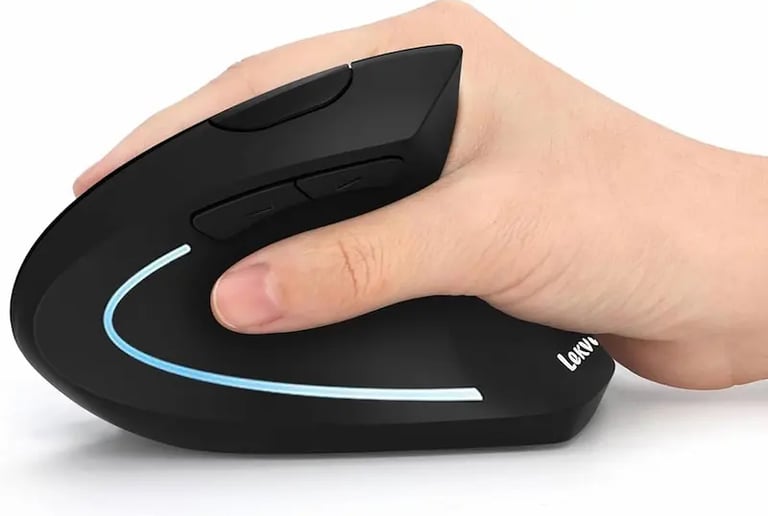
The Lekvey Vertical Mouse is a popular rechargeable ergonomic mouse that balances comfort, affordability, and simple functionality.
It’s especially suitable for users who want a comfortable ergonomic mouse without spending premium-level prices.
Key Features
Rechargeable battery
Wireless support
Ergonomic shape
Lightweight construction
Pros
Comfortable for long use
Affordable price
Rechargeable convenience
Simple setup
Cons
Average material quality
Scroll wheel could feel smoother
Best For
Everyday office work
Entry-level ergonomic setups
General productivity use
Final Verdict
The Lekvey Vertical Mouse delivers a comfortable ergonomic experience at a reasonable price, making it a solid option for everyday MacBook users.

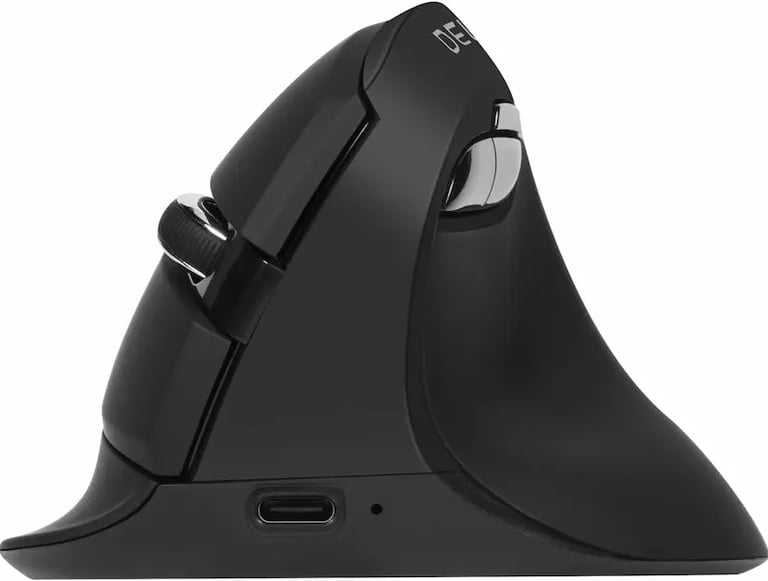
5. Delux Ergonomic Vertical Mouse
The Delux Vertical Mouse stands out with its modern design, customizable DPI settings, and advanced ergonomic shape.
It’s one of the better options for users who want additional customization while still maintaining strong ergonomic comfort.
Key Features
Adjustable DPI
Ergonomic vertical grip
Rechargeable battery
Bluetooth and USB support
Pros
Excellent customization
Comfortable design
Modern appearance
Good overall features
Cons
Software experience can vary
Design may not suit every hand size
Best For
Advanced users
Productivity setups
Users wanting more control options
Final Verdict
The Delux Ergonomic Mouse combines strong ergonomics with extra customization features, making it a great option for power users.
Related Articles :
Smart gadgets, modern technology, productivity tools, and practical buying guides for everyday life. Discover tech reviews, smart accessories, consumer electronics, and curated recommendations through Digiwanta.
Contact
Affiliate Disclosure:
Digiwanta may earn commissions from qualifying purchases through affiliate partnerships.
Quick links